One link.
The whole track.
RaceLink runs on long-range LoRa radio at 433, 868 or 915 MHz and keeps every device on one shared clock — so light, info and telemetry stay perfectly in step from the start line to the far gate.
WiFi, Bluetooth, Matter and ESP-NOW are built for short hops in clean air. A race is the opposite: a big site, dozens of pilots, and 2.4 GHz already saturated. RaceLink starts where they tap out — long range, low bandwidth, high reliability.
The system
Three pieces, one job
Each part does one thing well. Together they get your commands from a browser tab to the LEDs on the far side of the field.
The host
A laptop or Raspberry Pi runs the host software and its WebUI. You build groups, scenes and effects here — standalone, or embedded inside RotorHazard.
The USB gateway
A small USB dongle turns the host's commands into radio and listens for replies. USB keeps it compatible with everything from a Pi to a full PC.
The nodes
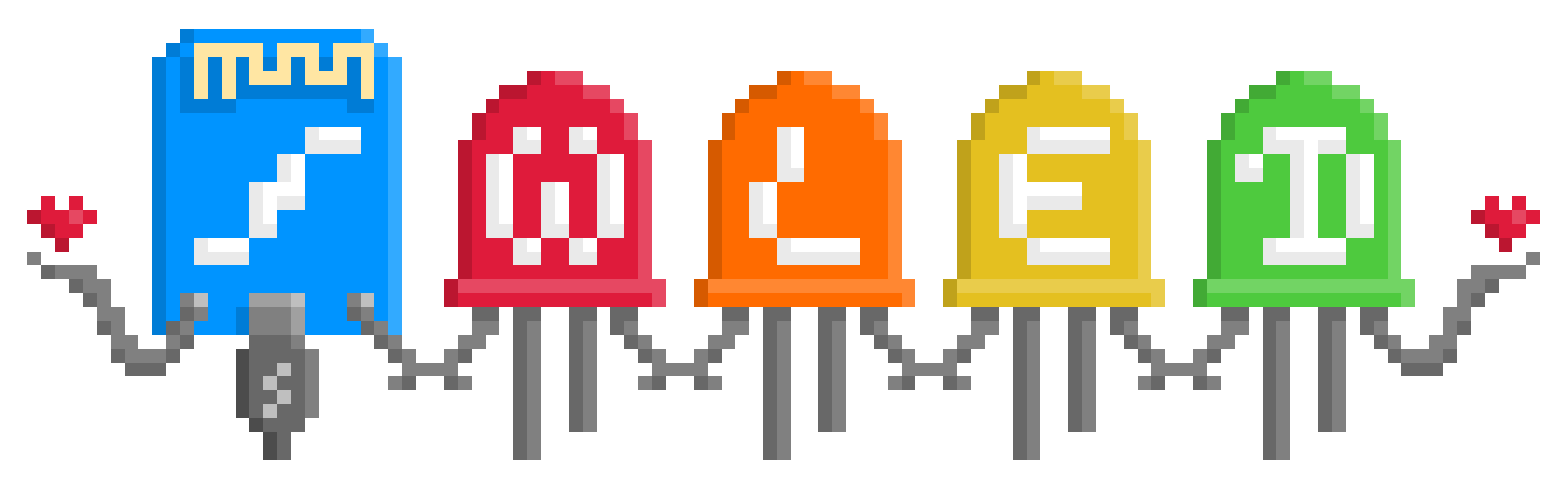
LED nodes, start blocks and your own custom devices listen on the radio, light up in sync and report their battery and signal back.
What it carries
A control link, built for what matters at a race
RaceLink moves exactly the things a race needs, and keeps them tight across the whole field.
Light & effects
Scenes, presets and full-track waves — fired on a shared clock so every node hits the beat together.
On-track info
Channel and pilot name pushed straight to the start block's e-paper screen — no uncertainties for the pilots.
Telemetry back
Battery level and signal strength flow back to the WebUI so you catch a weak node before it matters.
Lean on purpose
RaceLink is a control link, not a video or live-streaming pipe. Keeping the payload small is exactly what lets it reach across a packed site and stay rock-solid where high-bandwidth links would fall apart. It's tuned for control, info and telemetry — and it's very good at those.
No PC needed
Run it with zero setup
For a quick session you don't need a host or a gateway at all.
Headless mode
One node becomes the master — it takes over both the host and gateway roles and remote-controls up to 40 devices straight from its own button. Power it up, press the button, and the show runs. Perfect for practice nights and small meets. See the node button quickstart for all four gestures.
Integrations
Works with RotorHazard & WLED
RaceLink builds on the open-source tools the FPV and LED communities already trust — slot it into your timing setup, and drive the same addressable LEDs you'd use anywhere else.

RaceLink × RotorHazard
Run RaceLink standalone, or as a RotorHazard plugin so lighting and on-track info follow your existing race timing automatically. See the plugin setup guide.
RaceLink × WLED
Each node runs a RaceLink-extended build of WLED, the popular open-source firmware for addressable LED strips. You keep WLED's effects, presets and web UI, and get RaceLink's race-specific signaling and node-to-node sync on top — no separate controller, no proprietary lock-in.
On the roadmap
Where it's going
Multiple gateways, separate networks
Splitting functions across more than one gateway — independent radio networks for, say, lighting and start-line info — is in the works. It isn't fully tested yet, so treat it as planned rather than ready.
Good to know
Frequently asked
Will it interfere with my control or video link?
No. RaceLink runs on 433 / 868 / 915 MHz LoRa, well away from your 2.4 GHz control link and 5.8 GHz video. It's designed to sit alongside them, not fight them.
Do I need a computer at the event?
Not necessarily. Run it from a laptop or Raspberry Pi for the full WebUI, or use headless mode where one node is the master and everything is controlled from its button.
Does it work with RotorHazard?
Yes. RaceLink runs standalone or as a RotorHazard plugin, so it slots into the timing setup many events already use.
What hardware do I need?
A USB gateway and one or more nodes — off-the-shelf boards or your own build. See the hardware page for concrete options.
Is it really open source?
Fully. The code is MIT-licensed and on GitHub; you can extend it with your own device classes and effects.
Where are the deep technical details?
Everything — protocol, setup guides, developer reference — lives in the documentation. This site is the friendly overview; the docs are the manual.
Pick your hardware
See which boards to buy or build, and get running in four steps.